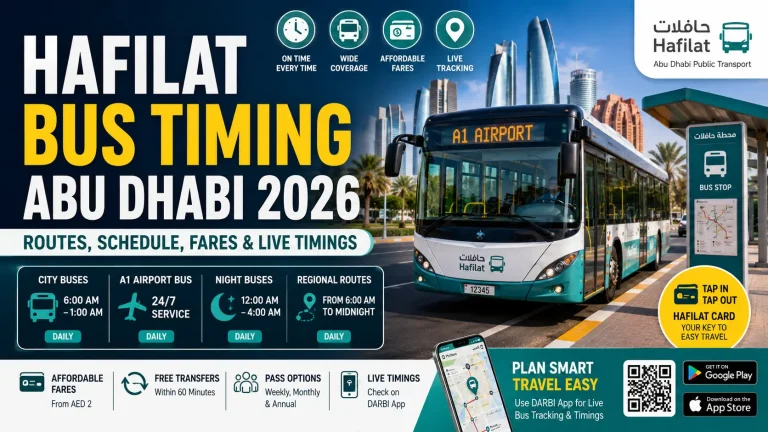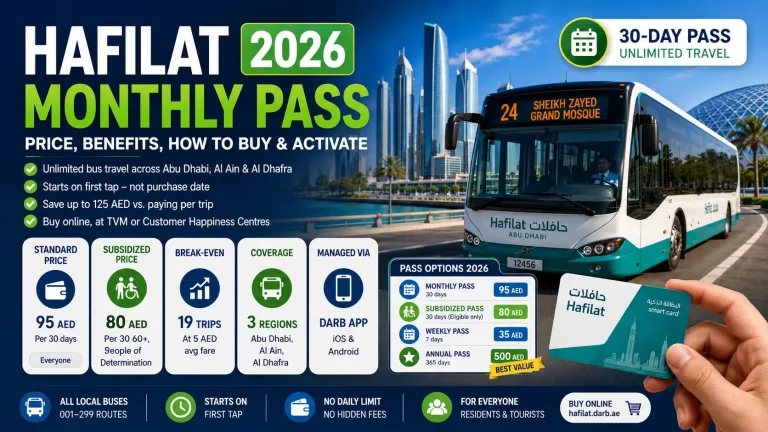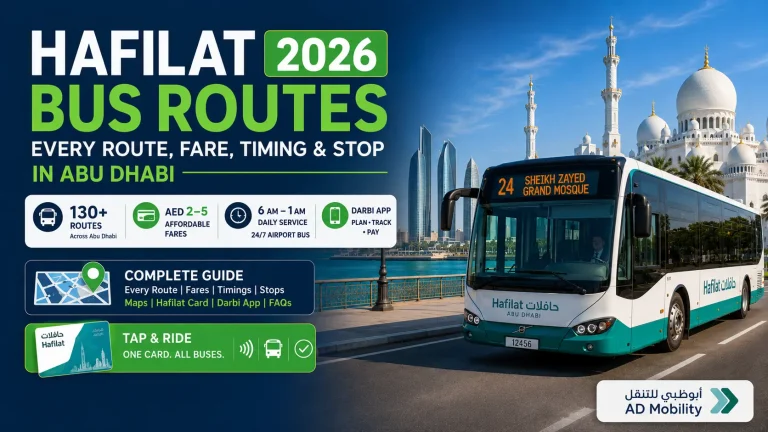
Darbi App: Download, Setup & Use Hafilat Card in Abu Dhabi 2026
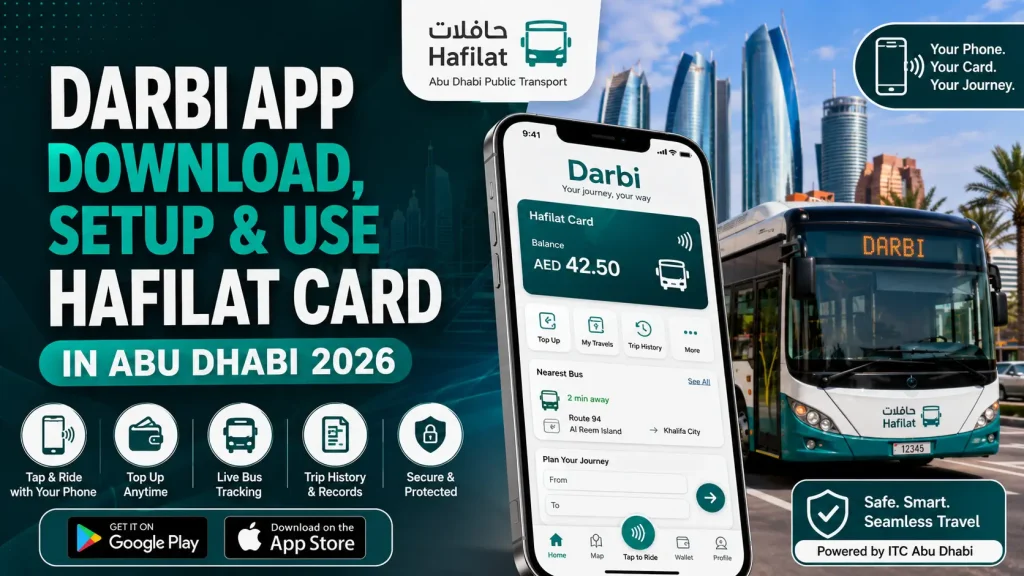
The Hafilat App, officially branded as Darbi App, is Abu Dhabi’s mobile transit payment app run by the Integrated Transport Centre (ITC). It turns your smartphone into a contactless Hafilat card using NFC technology, letting you board buses, pay fares, and manage your transit account, all from one app.
This guide covers everything: how to download and activate the app, how each feature works, step-by-step boarding instructions, troubleshooting, and how it compares to the physical Hafilat card.
What Is the Hafilat App (Darbi)?
Darbi is the official digital wallet for Abu Dhabi’s public bus network. It works on the same transit system as the physical Hafilat card but lives entirely on your phone.
When you tap your phone on a bus validator, the app deducts the fare from your in-app balance. You get real-time confirmation, a trip record, and instant balance updates, none of which the physical card provides. The app is built for Abu Dhabi’s full bus network, including city routes, inter-city routes to Al Ain and Al Dhafra, and Park & Ride services.
How to Download the Hafilat App
Published by Integrated Transport Centre (ITC), Abu Dhabi. Free on all platforms.
How to Register and Activate Your Account
Registration takes under 5 minutes. You’ll need either a UAE Emirates ID (for residents) or a passport number (for tourists and visitors).
Once your digital card is active, your phone works at any Hafilat validator across Abu Dhabi’s bus network.
Key Features of the Hafilat App
Digital NFC Card
The app generates a virtual Hafilat card linked to your account. Using your phone’s NFC chip, you tap the bus validator exactly as you would with a physical card. The validator reads your balance, deducts the fare, and displays a green confirmation.
Balance Check & Top-Up
Your current balance appears on the Darbi home screen every time you open the app. No navigation needed.
Real-Time Bus Tracking
The map shows live bus positions and estimated arrival times at each stop. The route planner lets you enter a destination and get the best route, including connections.
Trip History & Spending Records
Every journey is logged under “My Travels” with full details.
Lost Card Protection
If your phone is lost or stolen, open Darbi on any browser at darbi.ae or call ITC on 800 482 to remotely block your digital card within minutes. Your remaining balance is protected and can be transferred to a new device or replacement physical card — no service center visit needed.
Multi-Card Management
The app supports multiple Hafilat cards under one account. Useful for families — a parent can top up and monitor cards linked to children’s accounts without switching logins.
Step-by-Step: Using the Hafilat App to Board a Bus
Before you board:
- Make sure your balance is above the minimum fare (AED 1 for most Abu Dhabi city routes)
- NFC must be enabled on your phone (Settings > Connections > NFC)
- You don’t need to open the app at the validator, but having it unlocked speeds up the tap
At the validator:
- Hold the back of your phone against the yellow card reader near the bus door
- Keep it still for 1 to 2 seconds
- Wait for the green light and “Payment Successful” on the validator screen
- The fare is deducted immediately
If the tap fails:
- Check that NFC is on
- Remove any thick phone case or card holder with other cards (they can interfere)
- Try the phone flat, not at an angle
Hafilat App vs. Physical Hafilat Card: Full Comparison
| Feature | Darbi App | Physical Hafilat Card |
|---|---|---|
| Where to get it | Download free, activate in-app | ITC service centers, select retailers |
| Top-up method | In-app, online, Apple Pay | Machines, retail stores, ITC offices |
| Balance check | Instant on home screen | Machine or validator only |
| Bus tracking | Live map with arrival times | None |
| Trip history | Full log with export option | None |
| Lost card protection | Remote block in minutes | No remote block, balance lost |
| Works offline | Yes (NFC boarding works offline) | Yes (no app needed) |
| Requires smartphone | Yes | No |
| Multi-card management | Yes (up to 5 cards) | No |
| Minimum top-up | AED 10 | AED 10 |
| Auto-recharge | Yes | No |
The physical card is better for people who don’t own a smartphone or prefer not to use a phone for transit. For everyone else, the app gives far more control.
Fare Structure: What You’ll Pay
Abu Dhabi’s Hafilat fare system uses distance-based pricing. Typical fares:
- Zone 1 (short city routes): AED 1 per trip
- Zone 2 (longer city routes): AED 2 per trip
- Inter-city routes (Abu Dhabi to Al Ain): AED 4 to AED 5 per trip
- Park & Ride: Free shuttle for registered Park & Ride users
Fares are the same whether you use the app or the physical card. There’s no app discount or surcharge.
Children under 3 travel free. Students and people of determination receive reduced fares with registered concession cards.
Troubleshooting Common Issues
Frequently Asked Questions
Is the Hafilat App free?
Yes. Downloading and registering costs nothing. You pay only for transit fares, starting from AED 1 per trip.
Does the app work without internet?
NFC bus payments work without internet. Balance top-up, live tracking, and trip history require an active connection.
Can tourists use the Hafilat App?
Yes. Tourists register using a passport number instead of an Emirates ID. All features work the same.
How do I check my Hafilat balance without the app?
You can check balance at ITC service centers, select bus station kiosks, or by tapping your physical card at a validator. The app gives the fastest check.
What happens if my phone dies mid-journey?
If you’ve already tapped on at the start of your journey, nothing happens. Abu Dhabi’s bus system charges on boarding, not on exit. If your phone dies before you board, you can’t tap on until you charge it or use a physical card.
Can I use one account on multiple phones?
Your account can be accessed on multiple devices, but the digital NFC card is active on one device at a time. Switching devices requires a short verification step.
How do I contact Hafilat support?
- Phone: 800 ITC (800 482)
- Email: [email protected]
- ITC app: In-app chat under “Help”
- Operating hours: Sunday to Thursday, 7:30 AM to 3:30 PM
What is the maximum balance I can hold?
AED 500 per card.
Can I get a refund on my Hafilat balance?
Yes. Refund requests go through ITC’s service centers. Processing takes 7 to 14 working days.
Is the Darbi app the same as the Hafilat app?
Yes. Darbi is ITC’s brand name for the app. The transit card system is called Hafilat. The terms are used interchangeably.
Who Should Use the Hafilat App
Auto-recharge means you never miss a bus because of low balance. Trip history makes monthly budgeting straightforward.
Live map and bus tracking removes guesswork from an unfamiliar network. Passport registration takes 3 minutes.
Load and monitor multiple cards from one account — no handing over phones or cash.
Pull a clean trip record for expense reporting — something the physical card doesn’t support.
How to Update or Uninstall the App
Updating
Updates release through Google Play and the App Store. Turn on automatic updates or check manually. ITC occasionally releases updates tied to new bus routes or payment methods.
Uninstalling
Uninstalling does not delete your account or balance. Your Hafilat account stays active on ITC’s servers. Reinstall and log in with your registered mobile number to pick up where you left off.
Who Should Use the Hafilat App
Daily commuters get the most value: auto-recharge means you never miss a bus because of low balance, and the trip history makes monthly budgeting straightforward.
Tourists visiting Abu Dhabi benefit from the map and live tracking, which removes the guesswork from using an unfamiliar bus network. Registration with a passport takes 3 minutes.
Parents managing family travel can load and monitor multiple cards from one account, without handing over phones or cash.
Business travelers can pull a clean trip record for expense reporting, which the physical card doesn’t support.
How to Update or Uninstall the App
Updates release through Google Play and the App Store. Turn on automatic updates or check manually. ITC occasionally releases updates tied to new bus routes or payment methods.
Uninstalling the app doesn’t delete your account or balance. Your Hafilat account stays active on ITC’s servers. Reinstall and log in with your registered mobile number to pick up where you left off.
Conclusion
The Darbi app covers everything the physical Hafilat card can’t: live bus tracking, instant balance top-up from your phone, full trip history, auto-recharge, and remote card blocking if your card is lost.